- ENERGY STAR puts average savings at about 8% of heating and cooling costs, or around $50 a year.
- Homes that still use a manual thermostat at one fixed temperature usually save the most.
- Our top pick is the ecobee Smart Thermostat Premium. The best budget pick is the Amazon Smart Thermostat.
- Use the calculator below to estimate your own savings and payback time.
Heating and cooling are the biggest part of most energy bills. That is why smart thermostat energy savings get so much attention. But the numbers you see online range from a few dollars to hundreds a year.
So who is right? Both sides, in a way. Your real savings depend on three things: what you spend on heating and cooling today, how you use your current thermostat, and your climate. This guide shows you the honest numbers, lets you calculate your own, and then compares the models worth buying in 2026.
How Much Smart Thermostat Energy Savings Can You Really Expect?
Here are the main figures, from the most cautious to the most optimistic:
| Source | Savings reported | What it means for you |
|---|---|---|
| ENERGY STAR | About 8% of heating and cooling, roughly $50 a year | The safest number to plan with |
| U.S. Department of Energy | Around 10% a year from setting the temperature back 7–10°F for 8 hours a day | Savings come from your schedule, not the device itself |
| Nest (bill study, 41 states) | 10–12% on heating, about 15% on cooling | Manufacturer data, but based on real bills |
| ecobee | Up to 23–26% on heating and cooling | A best case, helped by room sensors |
Our view is simple. Plan with 8–10%. Treat anything above that as a bonus. If your heating and cooling bill is high and your old habits were poor, you can do better. If you already program your thermostat well, expect much less.
Smart Thermostat Savings Calculator
Enter your own numbers. You can find your heating and cooling cost on your utility bills. If you don’t know it, start with $1,100, which is close to the U.S. average.
The low end is always $0: studies have found no savings when people don’t change how they heat and cool. The high end is a best case from ENERGY STAR, Department of Energy and utility study ranges, and it is smaller if you already use a schedule well. Your results will vary with climate, home size and habits.
Best Smart Thermostats for 2026 Compared
Prices change often, so treat these as typical 2026 prices and check the current deal before you buy.
| Model | Typical price | Room sensor | Best for | Our verdict |
|---|---|---|---|---|
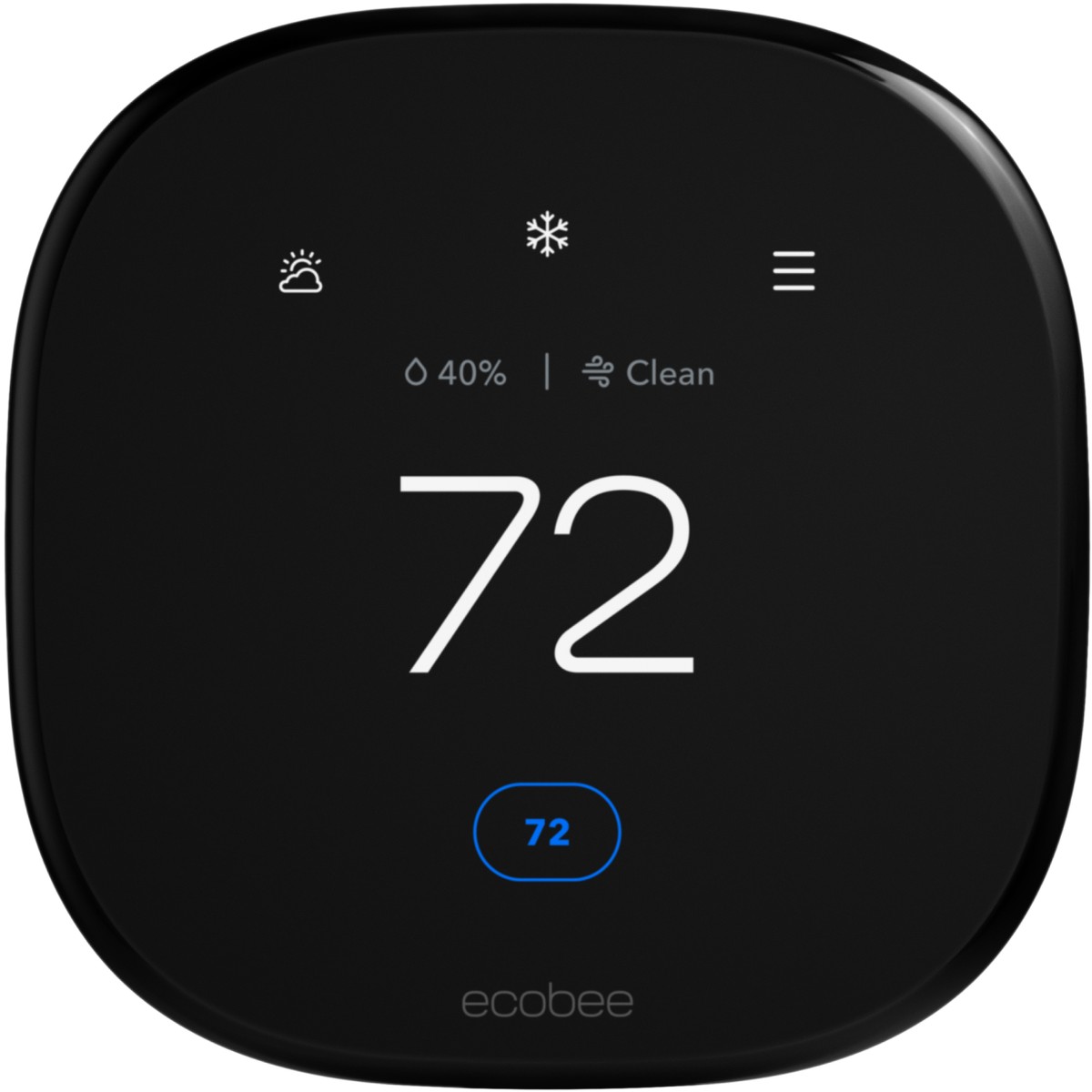 ecobee Smart Thermostat Premium | About $260 | Included | Most homes | Best overall |
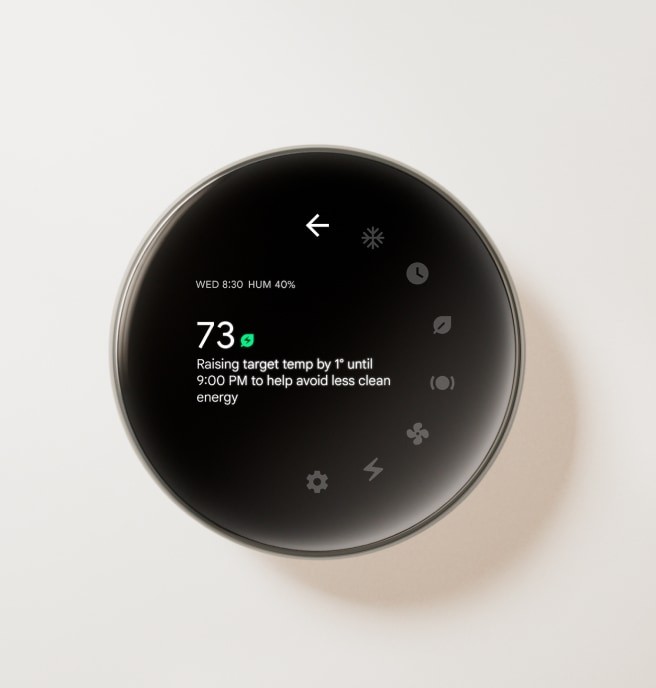 Google Nest Learning Thermostat (4th gen) | About $250–$280 | Included | Google Home users | Best hands-off learning |
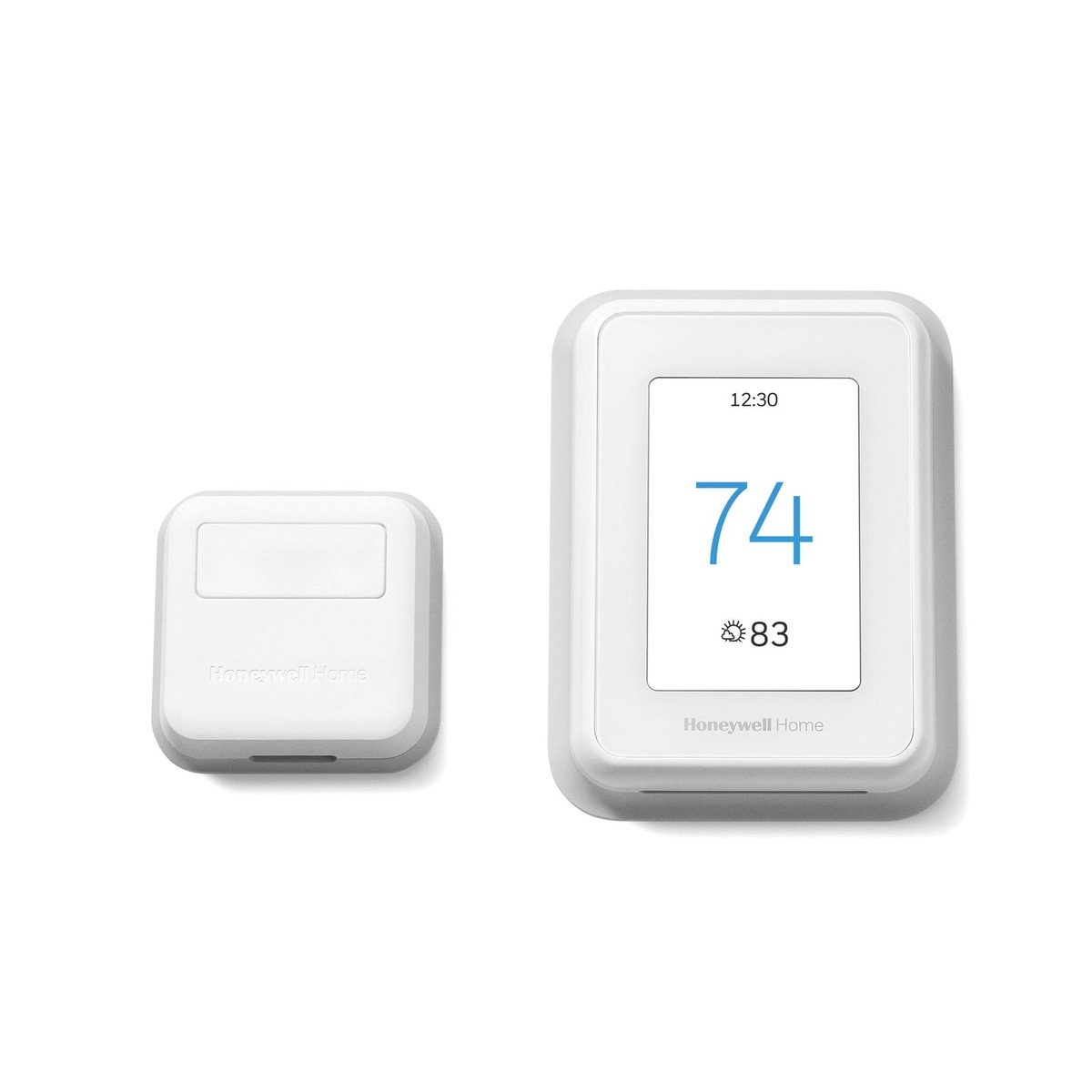 Honeywell Home T9 | About $200–$210 | Included | Uneven rooms, older HVAC | Best for hot and cold spots |
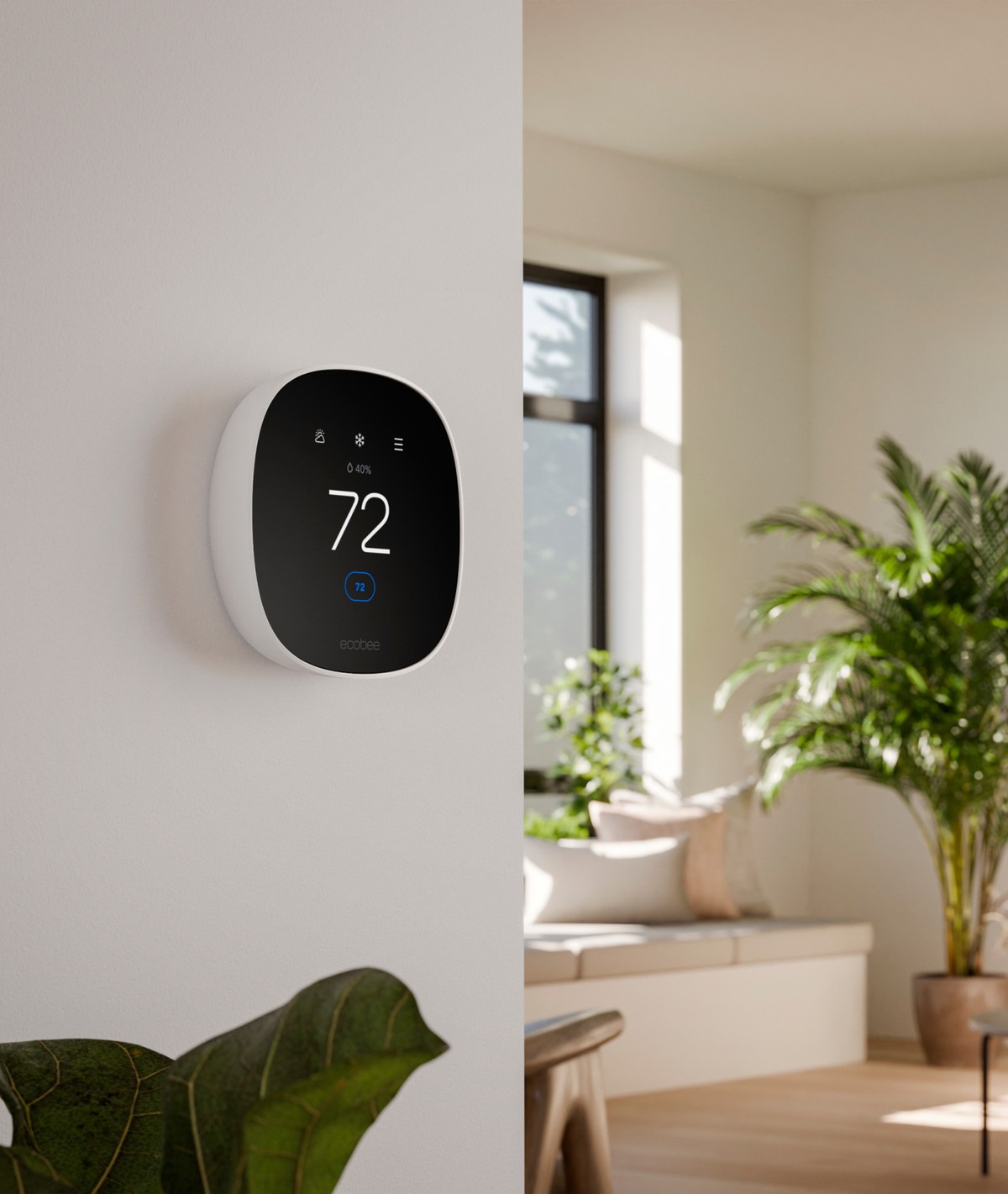 ecobee Smart Thermostat Essential | About $135–$140 | Optional | Smaller homes | Best value |
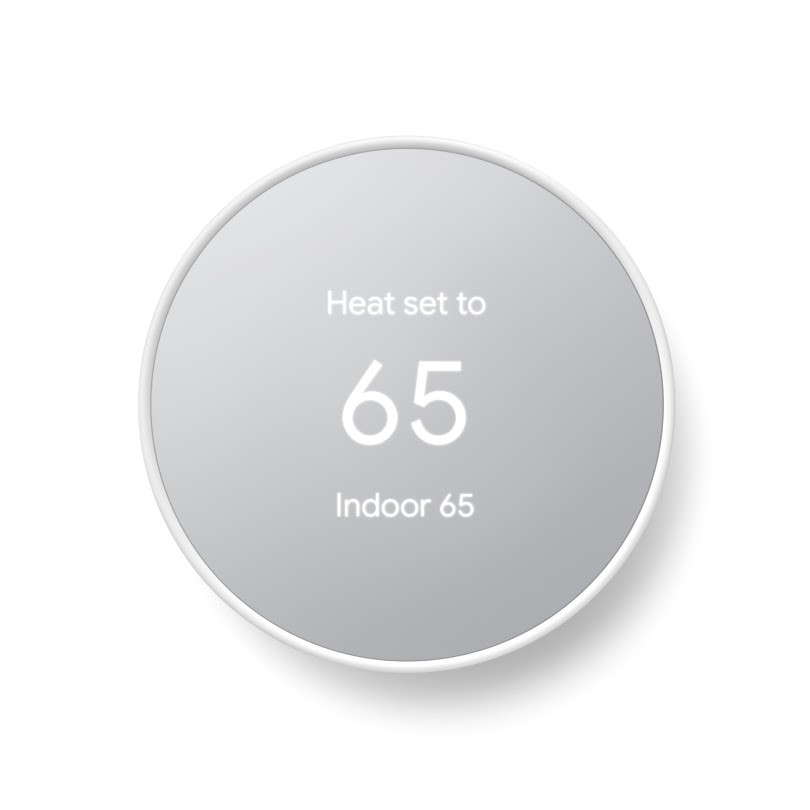 Google Nest Thermostat | About $120–$130 | No | Simple schedules | Good, but no learning |
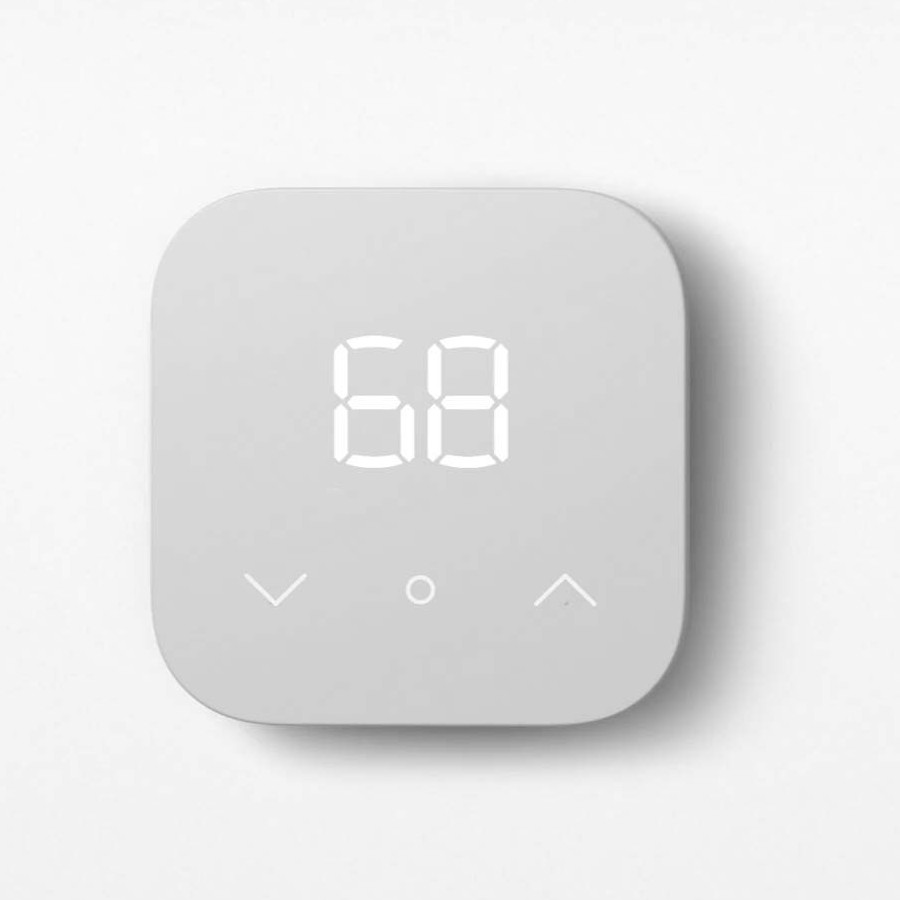 Amazon Smart Thermostat | About $80 | No | Tight budgets, Alexa homes | Best budget pick |
ecobee vs Nest: Which One Should You Pick?
These are the two names most people compare, so here is the short version. Both are ENERGY STAR certified, and both include a room or temperature sensor in their top models. The real difference is how you like to live with your thermostat.
| ecobee Smart Thermostat Premium | Google Nest Learning Thermostat (4th gen) | |
|---|---|---|
| How it saves | Room sensor checks which rooms are in use | Learns your routine and builds the schedule for you |
| Setup style | More settings to adjust | Very hands-off |
| Smart home | Alexa, Google, Apple Home, built-in speaker | Best inside Google Home |
| Extras | Air quality monitor | Alerts when your HVAC may need attention |
| Pick it if… | You have hot and cold rooms, or an Apple or Alexa home | You never want to touch a schedule |
Our take: if your home has uneven rooms, choose ecobee. If you want the thermostat to “just work” and you already use Google Home, choose Nest. Either one will deliver the same basic savings if you use away mode.
Our Picks, With the Trade-Offs
ecobee Smart Thermostat Premium
The included SmartSensor tells the thermostat which rooms are actually in use. That matters, because a single thermostat in a hallway often heats or cools for a room nobody is in. It also has an air quality monitor and works with Alexa, Google Assistant and Apple Home.
- Room sensor in the box
- Detailed monthly energy reports
- Works with every major voice assistant
- The app has many settings at first
- Not the cheapest way to get the basic savings
Google Nest Learning Thermostat (4th gen)
This is the one to pick if you never want to touch a schedule. It learns your routine over the first weeks and adjusts on its own. It also includes a temperature sensor and can warn you when something looks wrong with your HVAC system.
- Truly automatic scheduling
- HVAC health alerts
- Clean, easy-to-read display
- Often the most expensive option
- Best inside the Google Home app
Honeywell Home T9
If your bedroom is always cold and your living room always warm, the T9’s room sensors help balance it. Honeywell also has decades of experience with American furnaces, which helps with older systems.
- Focuses on the rooms you are in
- Wide HVAC compatibility
- App is less detailed than ecobee’s
- Only a small saving over the ecobee Premium
ecobee Smart Thermostat Essential
You get ecobee’s scheduling and energy reports for about half the price of the Premium. You can add room sensors later if you need them.
Amazon Smart Thermostat
It costs around $80 and is ENERGY STAR certified, so it still qualifies for many utility rebates. With a $50–$75 rebate, it can cost you almost nothing. It is basic, but for many homes basic is all you need.
- ENERGY STAR certification and the savings figures each source publishes
- Price on the maker’s own site (checked in October 2026)
- Whether a C-wire is needed, and whether room sensors are included
- Which smart home systems each one works with (Alexa, Google, Apple Home)
Smart thermostat energy savings figures come from ENERGY STAR, the Department of Energy and the makers, and we say which is which. We haven’t tested these products in person. No brand paid to be included.
What Real Owners Say
Numbers from studies are one thing. Here is what people who actually bought a smart thermostat report. We summarized their experiences in our own words and linked the original discussions. They are individual experiences, not tests.
In a discussion on Blind, a renter with a summer bill of about $150 a month asked if a smart thermostat was worth it. Other users replied that with a bill that low, the savings may be hard to notice. One owner said the automatic features made the house less comfortable, so he turned them off. Another saw no real savings but still liked changing the temperature from his phone.
Source: Blind discussion on smart thermostatsOn a Mac Forums thread, a homeowner with a gas furnace explained that turning the heat down while away clearly lowered his winter gas bill, because the furnace warms the house again quickly. When he simply left the thermostat fixed at 73°F, he saw almost no change in his bill.
Source: Mac Forums thread on smart thermostatsA homeowner who installed a Nest Learning Thermostat wrote that his old thermostat had only four wires and no C-wire. To make it work, he had to go to the furnace in his basement and connect a power adapter to the control board. It worked in the end, but it took more time than he expected.
Source: Trunetto blog, smart home on $850These stories match a 2022 study from the University of Chicago (NBER paper). It compared 1,385 households and found no meaningful difference in energy use between homes with and without smart thermostats. The researchers think people often change the settings so much that the savings disappear. Our takeaway: a smart thermostat only saves money if you let its schedule and away mode do the work.
When a Smart Thermostat Won’t Save You Much
We would rather tell you this now than after you buy. Savings are usually small in these cases:
- You already use a programmable thermostat well. Expect anywhere from $0 to about $70 a year.
- You live in a mild climate and rarely run heating or cooling.
- You have a heat pump and already run it efficiently.
- Someone is home all day, so there is little “away” time to save on.
In these cases, a smart thermostat can still add comfort and remote control. Just don’t buy it only for big savings.
Checklist Before You Buy
Tick each item as you go. It takes about ten minutes and avoids most returns.
Watch: How a Pro Installs a Smart Thermostat
If you’re worried about the wiring, this short video helps. A heating expert from Ask This Old House replaces an old thermostat with a smart one, using the two wires already in the wall.
Video: Ask This Old House on YouTube.
How to Get the Most Savings After Installing
The device does not save energy on its own. Your settings do. These are the settings that matter most:
- Turn on away mode. A good starting point is 55–60°F for heating and 82–85°F for cooling while nobody is home.
- Set back at night. Each degree you set back for about 8 hours saves roughly 1% on that part of your bill, according to the Department of Energy’s guide to thermostats.
- Heat pump? Go easy on setbacks in winter. The Department of Energy’s Energy Saver Guide warns that a deep setback can make the backup electric resistance heat come on during the morning recovery, which can wipe out the saving. Use a thermostat made for heat pumps, keep winter setbacks small (or skip them), and avoid big jumps on the dial. The away and night settings above are for furnaces and boilers.
- Accept the eco suggestions for the first month, then adjust if you feel uncomfortable.
- Read the monthly report. It shows which changes are working.
- Join a demand response program if your utility has one. Some pay a yearly credit for letting them adjust your thermostat slightly at peak times.
Frequently Asked Questions
Do smart thermostats really lower your bill?
Yes, for most homes. ENERGY STAR reports about 8% savings on heating and cooling on average. The biggest gains come in homes that used a manual thermostat at one fixed temperature.
How long does a smart thermostat take to pay for itself?
Usually one to four years. A cheaper model with a utility rebate can pay off within the first year. Use the calculator above for your own estimate.
Can I install a smart thermostat myself?
In most homes, yes. It usually takes 30–60 minutes with a screwdriver. Always turn off the power to your HVAC system first. If you have no C-wire or a complex system, a professional install is safer.
Is a smart thermostat worth it in an apartment?
Only if you pay for your own heating and cooling and your landlord agrees. If heating is included in your rent, you won’t see the savings on your bill.
Our Verdict
For most homes, the ecobee Smart Thermostat Premium is the one we would buy. If you live in a Google home and want zero setup, get the Nest Learning Thermostat. If the budget is tight, the Amazon Smart Thermostat with a utility rebate is hard to beat.
Whatever you choose, be realistic. Smart thermostat energy savings are steady but modest for most homes. The real wins come from a good away schedule and a rebate at checkout.
Keep reading
- Smart Thermostat for Apartment: What Renters Can Install: what renters can install.
- How Do I Know if I Have a Heat Pump? 6 Checks and What Emergency Heat Costs: check what system you have.
- Are Heat Pumps Worth It? Disadvantages, Real Running Costs and Who Should Switch: real running costs and who should switch.
Sources We Checked
- ENERGY STAR smart thermostat FAQ (average savings)
- U.S. Department of Energy, Thermostats (setback savings)
- U.S. Department of Energy, Energy Saver Guide (2022) (heat pump setbacks)
- NBER working paper 30482 and University of Chicago (BFI) summary (the 2022 field study)